
Table of Contents
Table of Contents
People usually start searching for the features of Google Image API when they reach a limit with manual image search. Copying image links, checking sources one by one, or trying to automate this with scraping quickly becomes messy. It works for a day or two, then breaks. That’s when teams start looking for a more stable way to work with image search data.
The Google Image API exists for that exact reason. It gives developers structured access to image search results instead of forcing them to rely on browser-based workflows. Rather than opening Google Images and scanning results manually, applications can request image data directly and handle it inside their own systems.
What often causes confusion is that the term “Google Image API” is used loosely. It doesn’t point to a single button you turn on. There are different approaches, different capabilities, and different limits depending on how image search is accessed. Because of that, understanding the features of Google Image API matters before deciding how to use it.
This article focuses on those features and options at a practical level. It explains what the Google Image API can do, how developers typically use it, and where it fits best. It does not cover integration steps or technical implementation. If you are already planning to build or deploy an image search system, those details are handled in our main Google Image Search API guide. The purpose here is to help you understand what you’re working with before you start building.
What Is the Google Image API?
In simple terms, the Google Image API lets applications work with image search results without using a browser. Instead of opening Google Images, typing a query, and scrolling through results manually, software can access image search data directly and use it inside its own systems.
This is what image search via API really means. Image search becomes something a system can handle on its own, not something a person has to repeat again and again. That shift is the main reason teams start looking at the features of Google Image API.
The difference between searching images manually and searching images programmatically is mostly about scale and control.
Manual image search works when:
- You need a few images
- The task is one-time
- Visual inspection is enough
Programmatic image search makes sense when:
- Image data is needed regularly
- searches must run automatically
- Results need to be tracked or reused
- Image search becomes part of a product or workflow
This is where a Google image search API becomes useful. It allows developers to request image search data in a structured way and handle it consistently across different use cases.
Teams usually explore an image search API when manual methods stop being practical. This often happens in areas like content research, SEO monitoring, product discovery, or brand tracking, where image results are needed at scale. Opening a browser for each query is slow and unreliable in these scenarios.
The Google Image API exists to solve this exact problem. It moves image search from a manual task into an automated process. Before thinking about integration or implementation, understanding this purpose helps teams choose the right approach and set realistic expectations.
Try SERPHouse Google SERP API to get Accurate and Real-time results.
Why Developers Look for an Image Search API
Most developers don’t plan to use an image search API from day one. It usually comes up after they’ve already tried simpler ways to work with images and those ways start causing problems.
When Manual Image Search Stops Making Sense
Manual Google Images search works in the beginning. You search for something, scroll a bit, copy what you need, and move on. For small tasks, that’s fine.
The problem starts when image search becomes part of regular work. For example:
- searching images for many topics
- repeating the same searches every week
- sharing results with a team
- keeping records of what was found earlier
At that point, manual searching turns into busy work. Results depend on who searched, when they searched, and how long they spent scrolling. There’s no consistency, and nothing is easy to reuse later.
This is usually the first moment developers realize they need something more reliable than a browser.
Why Scraping and Scripts Don’t Hold Up
Scraping image results is often the next step. It looks like a quick fix. Sometimes it even works for a short time.
Then reality shows up.
Pages change. Requests get blocked. Data comes back incomplete. Someone has to keep fixing the scraper just to keep things running. Over time, scraping becomes fragile and expensive, even if it doesn’t look that way at first.
What teams actually need is not just images, but image search data they can trust. Data that:
- comes back in the same format each time
- can be stored and reused
- fits into automated systems
- doesn’t depend on page layouts
This is where the features of the Google Image API start to matter. APIs are built for repeated use. They behave the same way every time and work well with automation.
Once image search becomes something a system depends on, predictability matters more than shortcuts. That’s usually when developers stop trying to patch manual methods and start looking for an image search API instead.
Types of Google Image APIs Available
When people talk about the Google Image API, they often assume it’s one single tool. In reality, there are a few different ways to access Google image search data, and each one fits a different kind of project.
The important thing here is not how to use them, but when they make sense. Choosing the wrong option early usually leads to rework later.
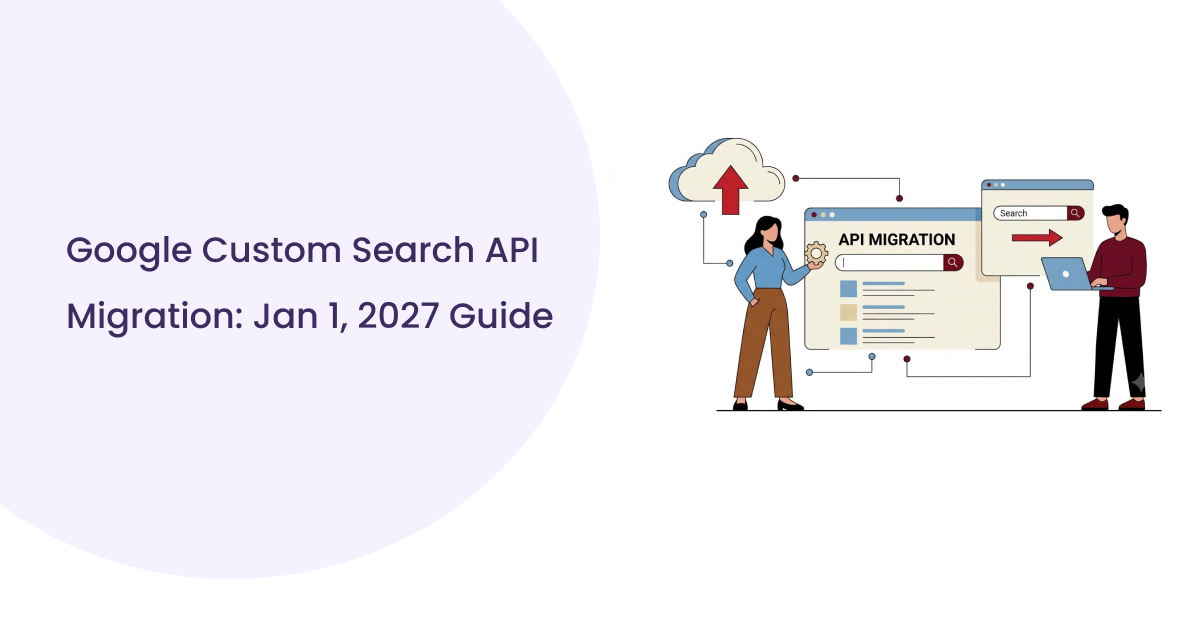
Custom Search JSON API
The Custom Search JSON API is usually where developers start. It’s commonly used in projects that need basic image search access without a lot of control or customization.
This option works well for:
- small to mid-sized applications
- internal tools or dashboards
- research-based workflows
- projects where image search is helpful but not central
Its main strength is simplicity. Teams can get image search results in a structured format without building a complex system around it. For limited use cases, this is often enough.
Where it starts to feel restrictive is when requirements grow. As soon as image search becomes a core part of the product, teams often notice friction. Customization options are limited, and controlling how and where results come from is not always flexible. It’s fine when image search supports the product, but it struggles when image search is the product.
Because of that, many teams use the Custom Search JSON API as an entry point. It helps validate whether image search data is actually useful for their needs. If usage stays small, it works. If usage grows, teams usually start looking at other approaches.
Understanding this early helps avoid forcing a simple tool into a role it wasn’t designed for.
Google Image API vs Image Scraping
Quick comparison at a glance
| Aspect | Google Image API | Image Scraping |
| Stability | Designed to be consistent over time | Breaks when layouts or rules change |
| Maintenance | Predictable, handled through a defined interface | Ongoing fixes and monitoring required |
| Legal risk | Built for controlled access | Often unclear or risky long term |
| Long-term reliability | Suitable for systems that run continuously | Degrades quietly over time |
| Engineering cost | Planned upfront, lower over time | Looks cheap early, costly later |
This decision usually comes up after a team has already tried scraping. Very few people start with an API comparison on day one. Scraping feels faster at the beginning, so it’s often the first attempt. The trade-offs only become clear later.
Stability Over Time
Image scraping depends on page layouts, HTML structure, and browser behavior. Those things change without notice. A scraper that works today can quietly fail tomorrow.
An image search API is built to stay consistent. The interface is designed for machines, not browsers, which makes it far more stable for repeated use. When image search becomes part of a system instead of a one-off task, stability starts to matter more than quick wins.
Maintenance Effort
Scraping always comes with ongoing maintenance. Someone has to monitor failures, update selectors, and fix broken logic. That work doesn’t disappear. It grows as usage grows.
Using a Google image API shifts that burden away from your team. There’s still engineering work involved, but it’s predictable. You’re integrating with a defined interface instead of chasing page changes.
Legal and Compliance Risk
Scraping Google Images sits in a gray area that many teams are uncomfortable with long term. Even if it works technically, there’s always uncertainty around terms, blocking, and usage restrictions.
APIs exist specifically to provide access in a controlled way. For teams that care about compliance or operate in professional environments, this difference alone is often enough to rule out scraping.
Long-Term Reliability
Scraping tends to fail slowly. It doesn’t always break loudly. Data quality drops, results go missing, and problems surface only after users complain.
APIs are designed for long-term use. They’re monitored, versioned, and supported. That makes them easier to trust in systems that need to run without constant supervision.
Engineering Cost in Practice
Scraping looks cheap at first because there’s no upfront setup. Over time, the hidden cost shows up in maintenance, debugging, and firefighting.
APIs require intentional setup, but once integrated, they usually cost less in engineering effort over the long run. Teams spend more time using the data and less time keeping the system alive.
Final Thoughts
Working with image search data sounds simple at first. In practice, the complexity usually appears later. What begins as manual searching or quick experiments often grows into something that needs stability, structure, and long-term reliability.
That shift is the reason Google Image APIs exist.
Understanding the features, available options, and practical trade-offs helps teams make better decisions early. It prevents building workflows that later require constant fixes or full redesigns. Whether the goal is content research, monitoring, analytics, or product development, choosing the right approach starts with clarity, not code.
This article focused on that clarity.
If you’re now planning to move from understanding to implementation, the next step is integration. Request structure, response handling, pagination, error control, and production best practices require a more technical breakdown.For a complete walkthrough, refer to our complete Google Image Search API integration guide, where the full implementation process is explained in detail.
FAQs:
How do I use Google Image API?
To use Google Image API, you must create a Google Cloud Platform account and enable the Google Image API service. After completing these steps, you can use the API by submitting requests to the API endpoint with the proper parameters.
What are the different types of Google Image API?
Custom Search JSON API and Programmable Search Engine.
What are some best practices for using Google Image API?
For best practices, be specific with your search queries and respect Google’s terms of service.