
Table of Contents
Table of Contents
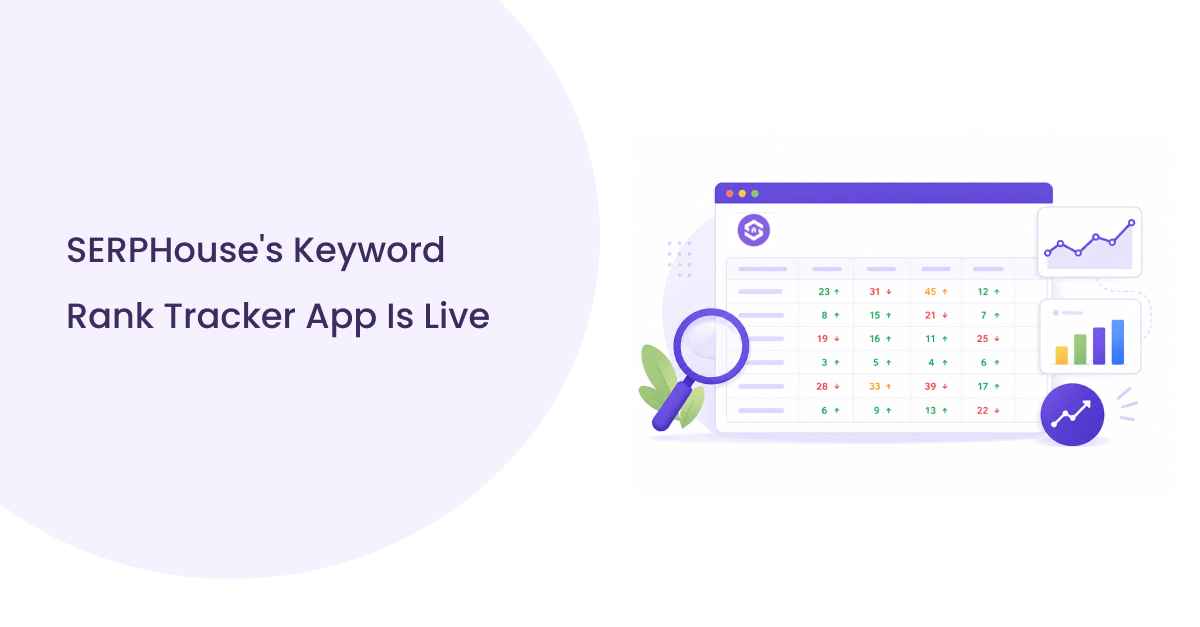
Today we’re announcing the Keyword Rank Tracker by SERPHouse, now available on the Google Workspace Marketplace. It’s a Google Sheets add-on that brings keyword rank tracking directly into the spreadsheet, so SEO professionals, agencies, and marketing teams can check and monitor rankings without ever leaving the tool they already use for reporting.
Why This Matters
A lot of SEO work already happens in Google Sheets. Keyword lists live there. Client reports live there. Team collaboration happens there. But actually checking rankings has traditionally meant stepping outside that workflow, logging into a separate dashboard, running a report, and copying numbers back into a sheet by hand.
That gap shows up everywhere once you start looking for it. An agency account manager updates a client report every Monday by manually checking a dashboard first. A freelancer keeps rankings in a spreadsheet because it’s free, but still has to re-check positions one by one. An in-house marketer wants ranking trends next to campaign metrics, but they live in two different systems that don’t talk to each other. None of this is a failure of effort; it’s just what happens when the tool doing the tracking and the tool doing the reporting aren’t the same tool.
That’s exactly the gap this add-on closes. Instead of treating Sheets as a place to paste results after the fact, the Keyword Rank Tracker makes Sheets the place where tracking happens in the first place. Rankings, history, and the URLs behind them all live in the same file your team is already sharing, editing, and reporting from no export, no second login, no copy-pasting.
Introducing the Keyword Rank Tracker
The Keyword Rank Tracker is a rank tracking tool built specifically for Google Sheets, powered by the SERPHouse API. It checks where your keywords rank on Google, keeps a running history of those rankings, and records the exact URL that ranked for each one, all inside a familiar spreadsheet interface.
It’s designed for people who are already comfortable working in Sheets and want accurate, automated ranking data without adopting a new dashboard or platform. That includes SEO professionals managing their own sites, agencies tracking performance across multiple client accounts, freelancers who need professional-grade tracking without a heavier subscription, and in-house marketing teams who want rankings sitting next to the rest of their reporting.
It’s a genuinely simple idea, and that’s on purpose. The add-on isn’t trying to replace full SEO platforms or become a second product teams have to manage. It’s meant to remove one specific piece of manual work: checking and recording rankings from a workflow that was already working fine otherwise.
What You Can Expect From It
At a high level, here’s what the add-on brings to a spreadsheet:
- Centralized rank tracking: Keep all your tracked keywords, across different locations, in one place instead of switching between tools.
- Ranking history and ranked URLs: Every check is saved rather than overwritten, so you can see how positions and the specific page that earned them change over time.
- Flexible configuration: Set your target site, location, language, and device (desktop or mobile) to match how your audience actually searches.
- Credit transparency: Know how many credits a check will use and see your balance before you run it.
- Automated scheduling: Set up daily, weekly, or custom-interval tracking so your data stays current without manual work.
- Performance summaries: Get a quick read on best, worst, and average rankings, along with overall trend direction, without building your own formulas.
None of these is an exotic capability on their own. What makes them worth announcing is where they live: inside the file you already open every day, instead of behind a separate login you have to remember to check.
Built for How Teams Already Work
Plenty of good rank tracking tools exist as standalone dashboards. They’re often powerful, but they’re also a destination: a separate login, a separate export, a separate step before that data becomes part of a report someone actually reads. For many teams, especially agencies managing client relationships, that final step almost always lands back in a spreadsheet anyway.
The Keyword Rank Tracker skips that detour. Because it runs inside Google Sheets:
- Sharing is simple: Anyone with a link can view or collaborate on the sheet no new account or seat required.
- Collaboration is native: Comments, edits, and reporting happen right next to the data itself.
- Nothing new to learn: If your team already uses Sheets for SEO reporting, there’s no interface to onboard to.
- Automation: Fits the workflow you already have rather than asking you to rebuild it somewhere else.
It’s a small shift in where the work happens, but it removes a step that a lot of teams have simply learned to live with and it’s the kind of change that tends to save the most time precisely because it’s so unremarkable. Nothing new to log into. Nothing new to teach a client. Just a spreadsheet that already knows the answer when you open it.
Straightforward From the Start
We didn’t want this to feel like “one more tool to configure.” Getting rankings flowing into a sheet takes a few minutes: install the add-on from the Marketplace, open it inside any sheet, and point it at the keywords, location, and device you care about. There’s no separate onboarding flow, no migration from an existing spreadsheet template, and no waiting period before results start coming in.
That simplicity was a deliberate choice. Most teams don’t need another platform to learn; they need the platform they already use to do one more thing well. So rather than building a rank tracker that happens to export to Sheets, we built a rank tracker that simply lives there from the beginning.
What Makes It Different
There’s no shortage of rank tracking software on the market, and a fair number of Google Sheets integrations already exist too. What sets the Keyword Rank Tracker apart isn’t a longer feature list; it’s where the product draws its centre of gravity.
Most tools treat the spreadsheet as an afterthought: a nice-to-have export option bolted onto a dashboard-first product. The Keyword Rank Tracker treats the spreadsheet as the product itself. Configuration and scheduling happen in the same place. History and reporting are there too, so there’s no second interface competing for your attention or sync step that can fall out of date. For teams that have already built their reporting culture around Google Sheets, this approach feels natural. Most SEO teams work this way, and that matters more than having an extra dashboard feature.
Who It’s For
The Keyword Rank Tracker is built with a few groups in mind, and most of them will recognize their own current workflow in the problem it solves:
- SEO professionals who want reliable, automated ranking data without extra software cluttering their stack.
- Agencies managing rankings across multiple client accounts, where every extra login is another thing to maintain and hand off.
- Freelancers who need solid rank tracking without paying for a full dashboard subscription just to serve a handful of clients.
- Marketing teams who want SEO performance visible alongside the rest of their reporting, not siloed in a tool only one person on the team ever opens.
If your team already tracks keywords manually in a spreadsheet, this is built to replace that manual step directly, not to move you to a new system you’ll have to migrate everything into.
Available Now
The Keyword Rank Tracker by SERPHouse is live today on the Google Workspace Marketplace. It installs directly into Google Sheets, is free to install, and uses a credit-based system for running checks, with full visibility into credit usage before you run one so there’s no guessing what a scheduled tracking routine will cost before you commit to it.
It’s powered by the same SERPHouse infrastructure behind our broader SERP data and search API products, so the ranking data you see is backed by fast, reliable, real-time search results rather than cached or estimated positions. That reliability was a non-negotiable starting point for us; a rank tracker is only as useful as the accuracy of the numbers it reports, and we built this one on infrastructure we already trust for that reason.
A Practical Way to Rethink Rank Tracking
Rank tracking doesn’t need to mean logging into another platform. For a lot of SEO work, the spreadsheet was already the right place to be. It just needed accurate, automated data flowing into it instead of relying on someone to remember to check rankings and copy them over. That’s what the Keyword Rank Tracker is built to do, and it’s why we think it’s worth a look even if you already have a rank tracking process in place today.
If you’re currently tracking rankings by hand or juggling a separate dashboard just to keep a spreadsheet updated, this is worth trying. Install it from the Google Workspace Marketplace. Bring rank tracking directly into the sheet you’re already working in, with no new habits required.
FAQ
What is the SERPHouse Keyword Rank Tracker?
The SERPHouse Keyword Rank Tracker is a Google Sheets add-on that lets you check and monitor Google keyword rankings directly inside a spreadsheet. It records ranking positions, ranking history, and the URL that appears for each keyword, so you can keep tracking and reporting in the same place.
How does the Keyword Rank Tracker work in Google Sheets?
After installing the add-on, you can configure the keywords, target website, location, language, and device you want to track. The tracker checks Google rankings and writes the results into your Google Sheet, where you can review and manage the data alongside your existing SEO reports.
Can the Keyword Rank Tracker automatically check rankings?
Yes. You can schedule ranking checks instead of running them manually each time. The add-on supports daily, weekly, and custom-interval tracking, helping keep your ranking data current without repeatedly checking keywords yourself.
Does the Keyword Rank Tracker save ranking history?
Yes. Ranking checks are saved so you can look back at how keyword positions changed over time. The tracker also records the specific URL that ranked for a keyword, which helps you see when Google starts showing a different page for the same search.
Can agencies use the Keyword Rank Tracker for multiple clients?
Yes. Agencies can use Google Sheets to organize rankings across multiple client accounts and keep the data alongside their existing reporting workflows. This can reduce the need to switch between a rank-tracking dashboard and separate client spreadsheets.
Is the SERPHouse Keyword Rank Tracker free to install?
Yes. The Keyword Rank Tracker is available as a Google Sheets add-on through the Google Workspace Marketplace and is free to install. Ranking checks use credits, so installation and rank-check usage are separate.