
Table of Contents
Table of Contents
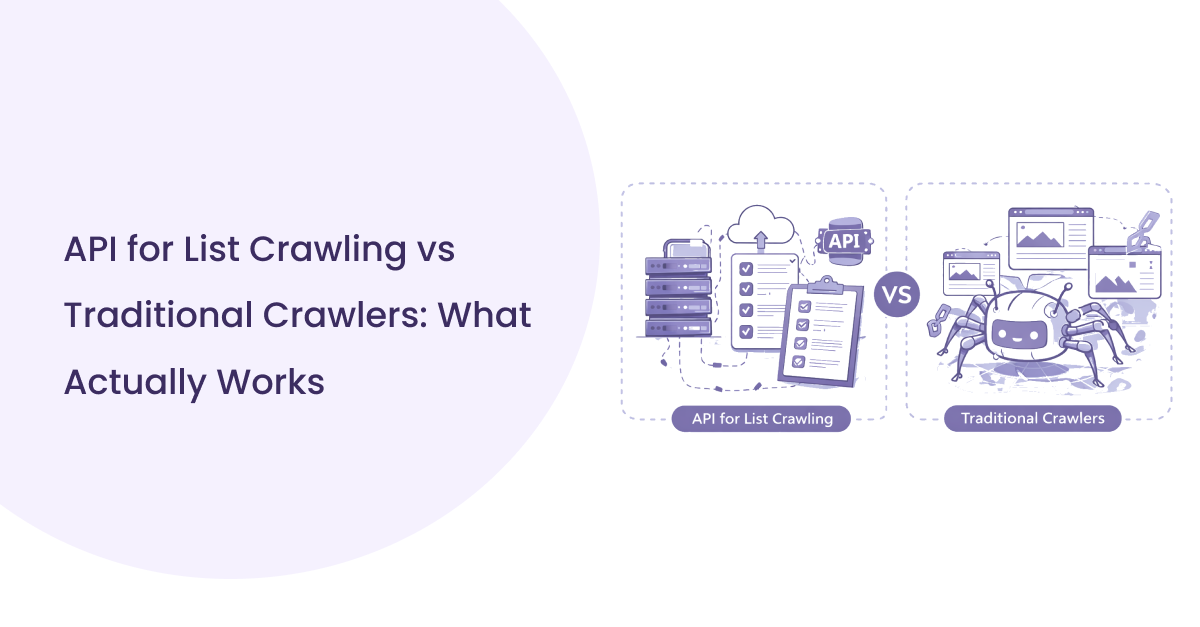
Traditional crawling setups were built for exploration, not precision. They work well when the goal is to discover pages across a website, but modern data workflows are different. Today, most teams already have a defined set of pages they want to process. The challenge is not discovery. It is speed, accuracy, and consistency.
Managing infrastructure, handling failures, and cleaning inconsistent data adds unnecessary complexity. As the volume of URLs grows, these issues become harder to control.
This is where an API for List Crawling changes the approach. Instead of building and maintaining crawling systems, teams can focus directly on extracting structured data from known URLs without operational overhead.
What Changes When You Use an API for List Crawling
Switching from a traditional setup to an API changes how teams handle data at a fundamental level. The focus shifts from managing systems to working directly with results.
From Infrastructure to Ready-to-Use Data
In a traditional setup, most of the effort goes into building and maintaining the crawler. You handle proxies, retries, parsing logic, and storage before you even get usable data. With an API for List Crawling, that layer is removed. You send a list of URLs and receive structured output. The data is already cleaned, organized, and ready for use. This reduces engineering effort and shortens the time between request and insight.
How APIs Simplify Bulk URL Processing
Processing large URL sets manually can slow down quickly. Queues grow, failures increase, and consistency becomes harder to maintain.
APIs are designed for bulk crawling. They handle request distribution, error management, and parallel processing internally. Instead of managing complexity, teams can focus on scaling data collection across large URL lists with predictable results.

Limitations of Traditional Crawlers in List-Based Workflows
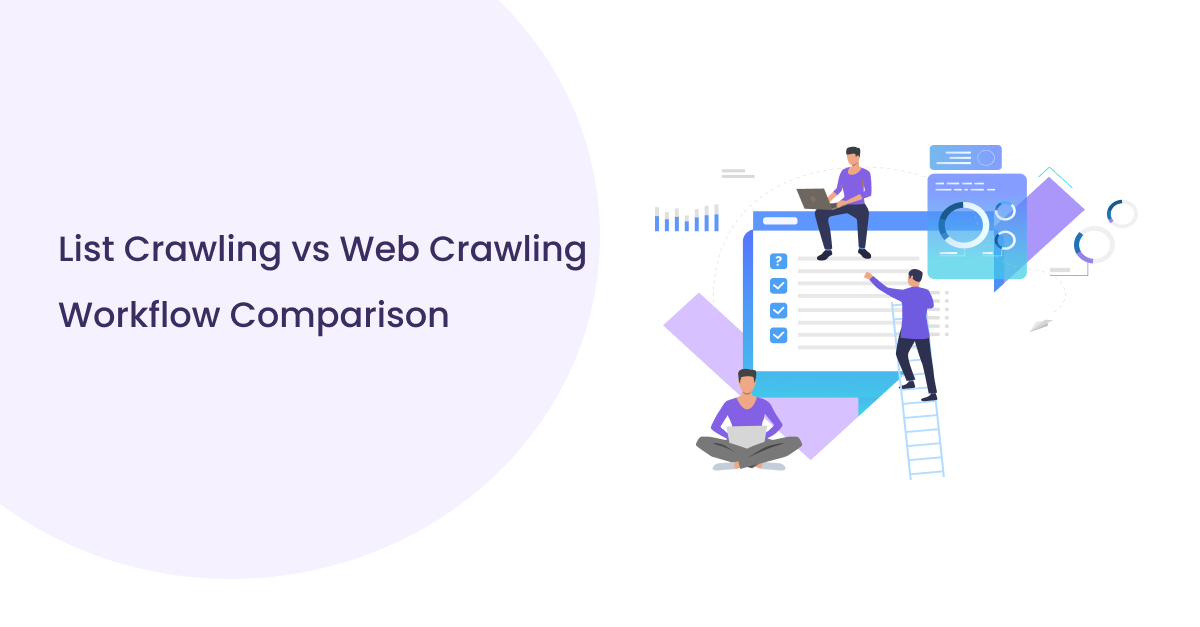
Traditional crawlers struggle when the task is processing a fixed list of URLs. The setup was designed for discovery, not controlled execution, which creates friction in list-based workflows.
Manual Setup and Maintenance Overhead
A typical setup requires managing proxies, handling retries, maintaining parsers, and fixing failures. Even small changes in page structure can break extraction logic. Over time, maintenance becomes a continuous task rather than a one-time setup.
Handling Scale in Bulk URL Crawling
As the number of URLs grows, performance becomes inconsistent. Queues build up, requests fail, and managing parallel processing adds complexity. Scaling bulk URL crawling often requires additional infrastructure and monitoring.
Data Inconsistency and Parsing Issues
Different pages return different structures. Without standardized handling, the output becomes uneven. This makes it harder to use the data directly in analytics or pipelines.
These challenges are the reason many teams move toward an API for List Crawling, where consistency and reliability are built into the system.
How an API for List Crawling Solves These Challenges
Traditional crawlers don’t fail immediately. They fail slowly.
At first, everything works. You run scripts, process a few hundred URLs, and get usable data. Then the list grows. Suddenly, retries increase, parsing breaks, and data starts coming back incomplete. Now you’re fixing issues instead of collecting insights.
This is where things shift.
An API for List Crawling removes that entire layer of friction. There’s no need to manage proxies. Blocked requests are no longer a concern. Parsers don’t need constant rewrites when page structures change. You simply send a list of URLs and receive structured data in return. That’s it.
The difference shows up clearly in three areas:
- Automation → no infrastructure, no maintenance cycles
- Consistency → same structured output across every URL
- Scale → thousands of URLs processed without breaking the flow
Instead of spending time keeping the system alive, teams focus on what actually matters, using the data.
That’s the real shift. Not just better crawling, but a cleaner and more reliable workflow.
Key Advantages of Using a Crawling API
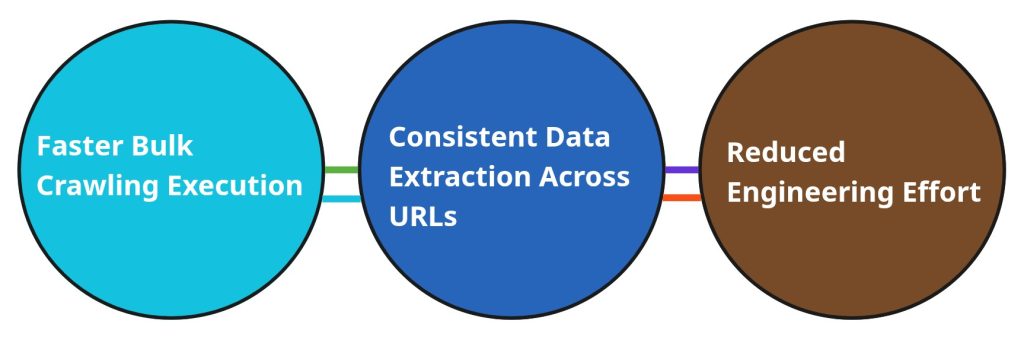
Choosing a crawling API is not just about convenience. It changes how efficiently teams can handle data at scale without getting stuck in operational work.
Faster Bulk Crawling Execution
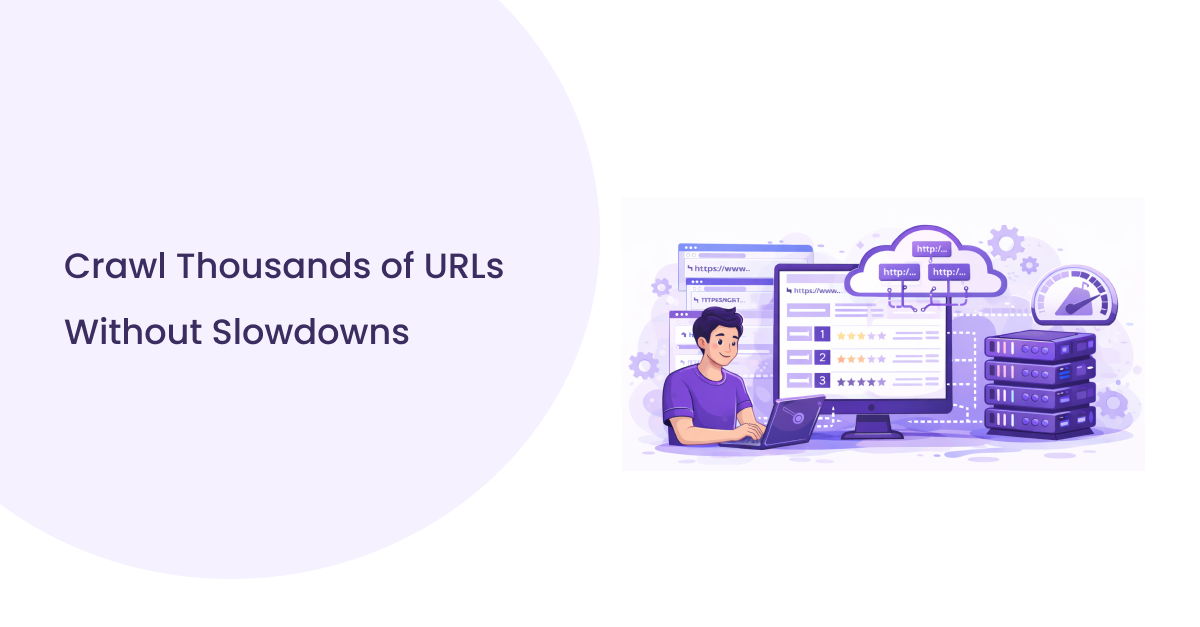
Speed becomes critical when dealing with large datasets. Traditional systems often slow down as the number of URLs increases. A crawling api is built to handle bulk crawling from the start. It distributes requests, manages retries, and keeps the process moving without manual intervention. This makes it possible to process large URL lists in a fraction of the time.
Consistent Data Extraction Across URLs
Different pages return different structures, which leads to inconsistent outputs in manual workflows. A web scraping api standardizes this process. It ensures that data from each URL follows the same format, making it easier to use across analytics tools, dashboards, or pipelines.
Reduced Engineering Effort
Instead of maintaining complex systems, teams can focus on using the data. A data extraction api removes the need for:
- Managing proxies and infrastructure
- Handling request failures and retries
- Updating parsers for different page structures
This reduction in effort allows teams to move faster and focus on outcomes rather than maintenance.
Use Cases Where an API for List Crawling Delivers Better Results
Not every workflow benefits from traditional crawling. When the goal is controlled, repeatable data extraction, APIs perform better because they remove uncertainty from the process.
Processing Large URL Lists for Data Projects
Data teams often work with predefined datasets. These can include product pages, listings, or content URLs collected from multiple sources. The challenge is not discovering pages, but processing them efficiently.
An API for List Crawling allows teams to handle large batches without slowing down. Instead of building queue systems and managing failures, the focus stays on extracting structured data from each URL. This makes bulk crawling practical even for large-scale projects.
Monitoring Specific Pages at Scale
Some use cases require tracking the same set of URLs over time. For example, monitoring price changes, content updates, or availability across hundreds or thousands of pages.
With automated crawling, these URLs can be processed at regular intervals without rebuilding workflows. The data remains consistent, which makes comparisons reliable. This is difficult to maintain with traditional setups, where stability often becomes an issue.
Feeding Data into Analytics and AI Systems
Modern workflows rarely stop at data collection. The extracted data is often sent directly into analytics platforms or machine learning models.
APIs make this integration easier. Because the output is structured, it can be fed into dashboards, reporting tools, or AI pipelines without additional processing. This creates a smoother flow from data collection to decision-making.

Conclusion
Crawling has moved beyond simple page discovery. Modern workflows demand precision, consistency, and the ability to handle large volumes of URLs without breaking systems. Traditional approaches struggle here because they require constant maintenance, manual fixes, and infrastructure management.
This is where an API for List Crawling fits naturally. It removes unnecessary complexity and shifts the focus from managing processes to using reliable data. Instead of dealing with unstable pipelines, teams get structured output that can be used immediately.
The real advantage is not just speed. It is consistency and control. When data extraction becomes predictable, decision-making becomes faster and more accurate.
For teams working with predefined URL sets, the direction is clear. A structured, API-driven approach is no longer an upgrade. It is the practical way to handle modern data collection at scale.