
Open WebUI
Configure SERPHouse as a web search provider in Open WebUI
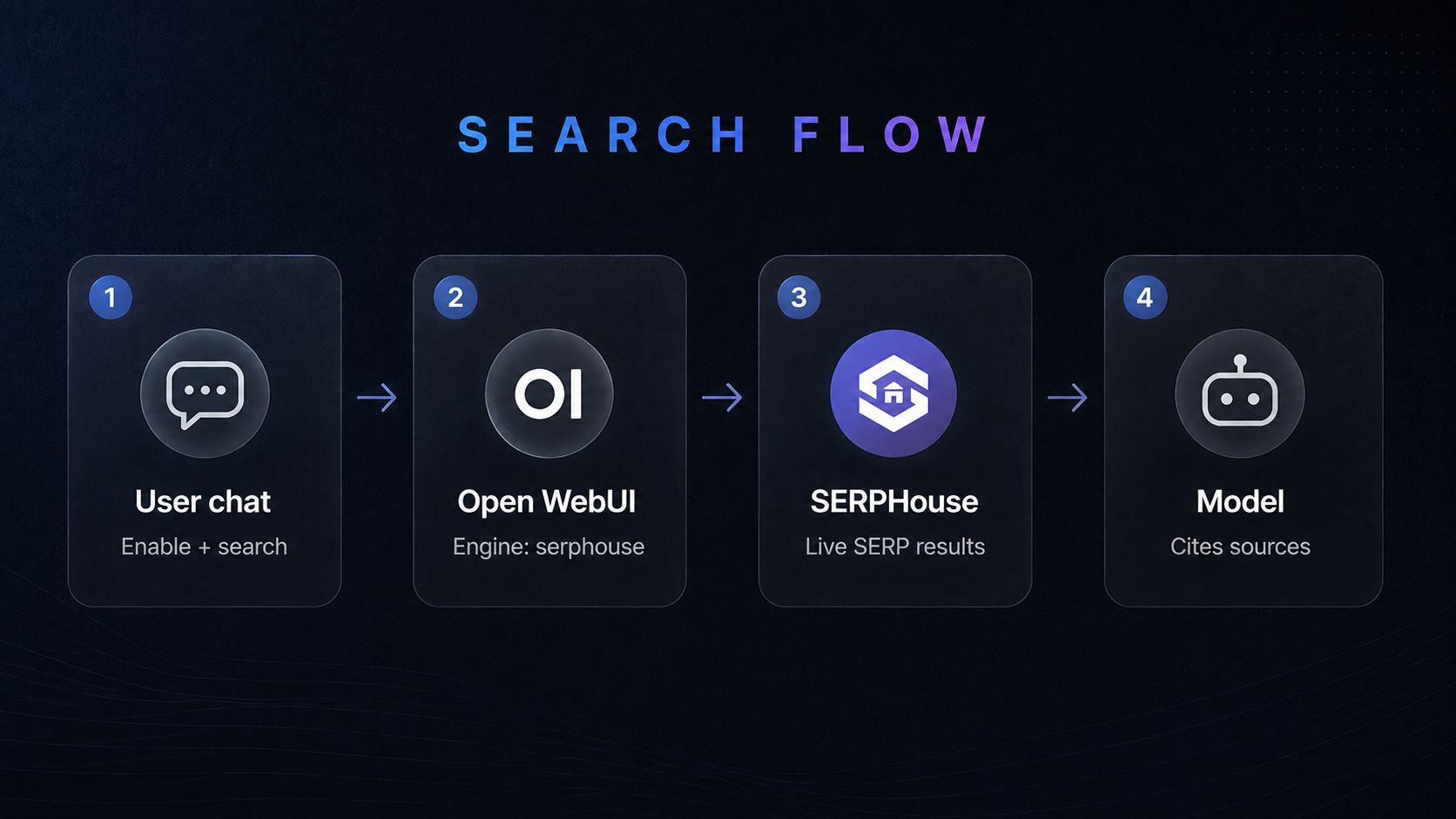
Open WebUI is a self-hosted AI chat interface with pluggable web search. Connect SERPHouse once and every model can pull live results with citations.
Visual ReferenceClick to expand
Prerequisites
- A running Open WebUI instance
- A SERPHouse API key
- Admin access
Configure
Sign in as admin, then open Admin Panel → Settings → Web Search.
Toggle Web Search on and set Web Search Engine to serphouse.
Paste your API key into SERPHouse API Key.
Optionally set SERPHouse Domain (e.g. google.com, google.co.uk).
Click Save.
| Variable | Default | Notes |
|---|---|---|
SERPHOUSE_API_KEY | (empty) | Required. Your SERPHouse API key. |
SERPHOUSE_DOMAIN | google.com | Google domain for localized results. |
Keep your API key private. Never commit it or share it in public channels.
Test it
- Start a new chat.
- Click + in the prompt field to enable web search.
- Ask something time-sensitive, e.g.
+latest AI news 2026. - Confirm live results appear in the response.
Use the + toggle per message. Turn search on only when you need fresh data.
Troubleshooting
| Issue | Solution |
|---|---|
| Invalid API key | Re-copy the key from the SERPHouse dashboard. Check for trailing spaces. |
| No results | Enable + web search on the message. Confirm the host can reach https://api.serphouse.com. |
| Wrong region | Set SERPHOUSE_DOMAIN to a local Google domain, e.g. google.co.uk. |
| Model ignores results | Use a model that supports Open WebUI web search grounding. |
| Timeouts | Check network latency and your SERPHouse credit balance. |
Related
Last updated on
How is this guide?